
Sell your phone.
On your terms.
Find your model, tell us its condition and get a personal offer. You approve the final price.
Which phone are you selling?
Prefer to browse?
Which brand is your phone?
Ready to get a quote?
Offers depend on your exact variant and condition. If a price is not published, our team will quote manually.
A straightforward sale.
Support all the way.
Know what happens next,
before you send your phone.
Find your phone.
Find your model and storage, then answer a few honest questions about condition, battery health and repairs.
Send it for inspection.
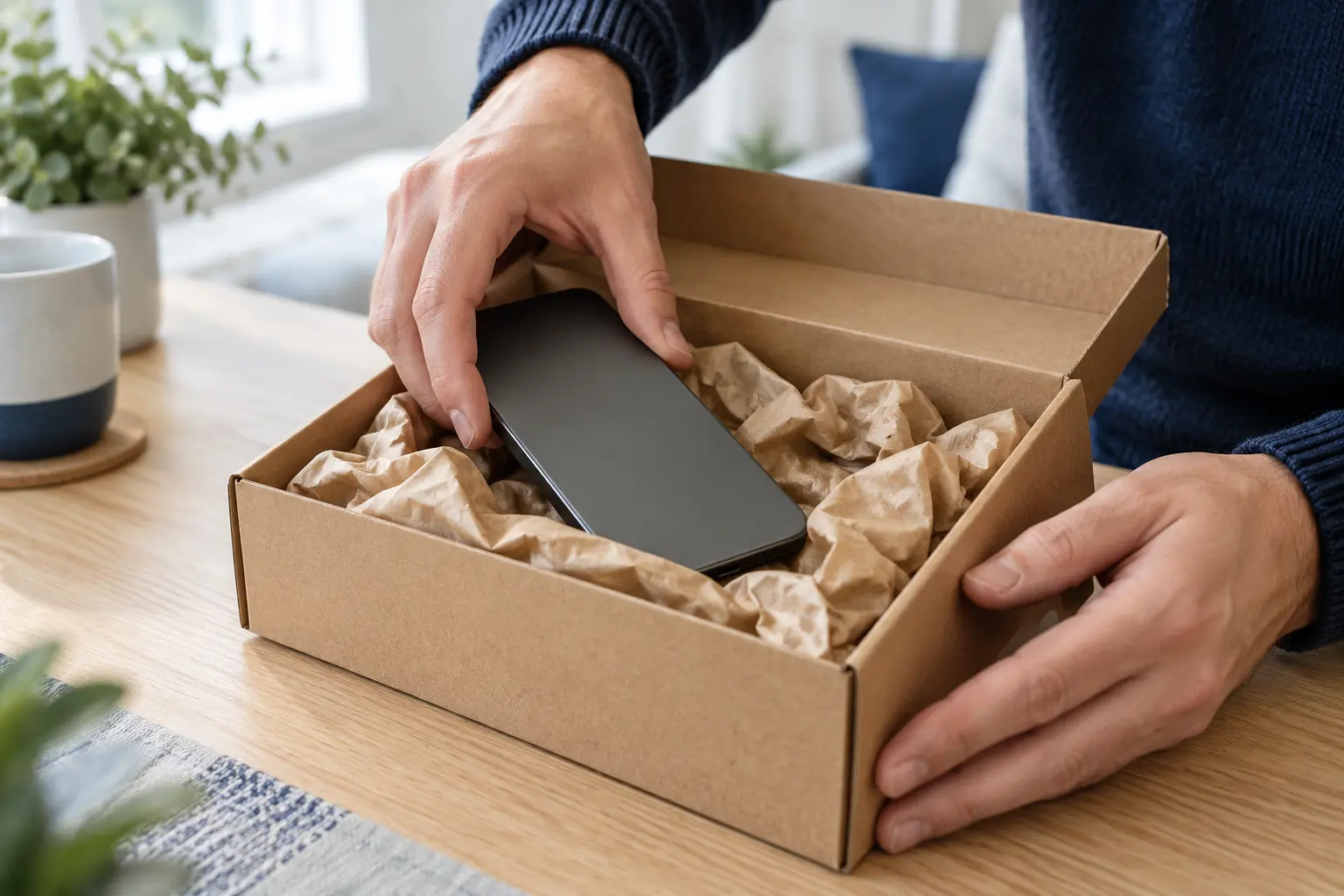
Submit your details and wait for posting instructions. Follow receipt and inspection in your account.
Approve your offer.
Review your final offer, accept it or request a return. Track payment progress and message the team throughout.
Know where things stand.
Every step of the way.
Know when your phone arrives. See the inspection findings. Ask a question. Your own account keeps the conversation and every update together.
Track your saleWhat if my exact phone or storage isn’t listed?+
Try a shorter model name first, then check the model and storage in your phone’s Settings. If your model is listed but its capacity is missing, choose “My storage is not listed” and enter the correct capacity. Our team will review it and provide a personal quote.
Can I sell a damaged or repaired phone?+
Describe all damage and repairs in the condition assessment, including replacement LCD or OLED screens, battery warnings and non-genuine parts. Phones with faults can be assessed manually. Do not post a swollen battery. Blacklisted, financed and activation-locked devices cannot be accepted.
How does IMEI search work?+
Dial *#06# to find your 15-digit IMEI. IMEI lookup can help identify a phone model, but you should always confirm its storage and condition. It does not check battery health or prove ownership. If lookup is unavailable, search by model name instead.
What happens if the inspection changes my offer?+
We send the inspection findings and revised offer to your account. You can accept it or request a return. The team cannot mark an offer accepted on your behalf.
How do I hear from the team?+
Each sale has its own message thread and timeline in My account. You can see when your phone is received, follow inspection and payment progress, and reply directly. Messages update while your sale is open.
How and when will I get paid?+
After inspection, you accept the final offer in your account. The team then arranges payment using your selected method and records a payment reference. You can follow the payment status and see its reference in your account.